
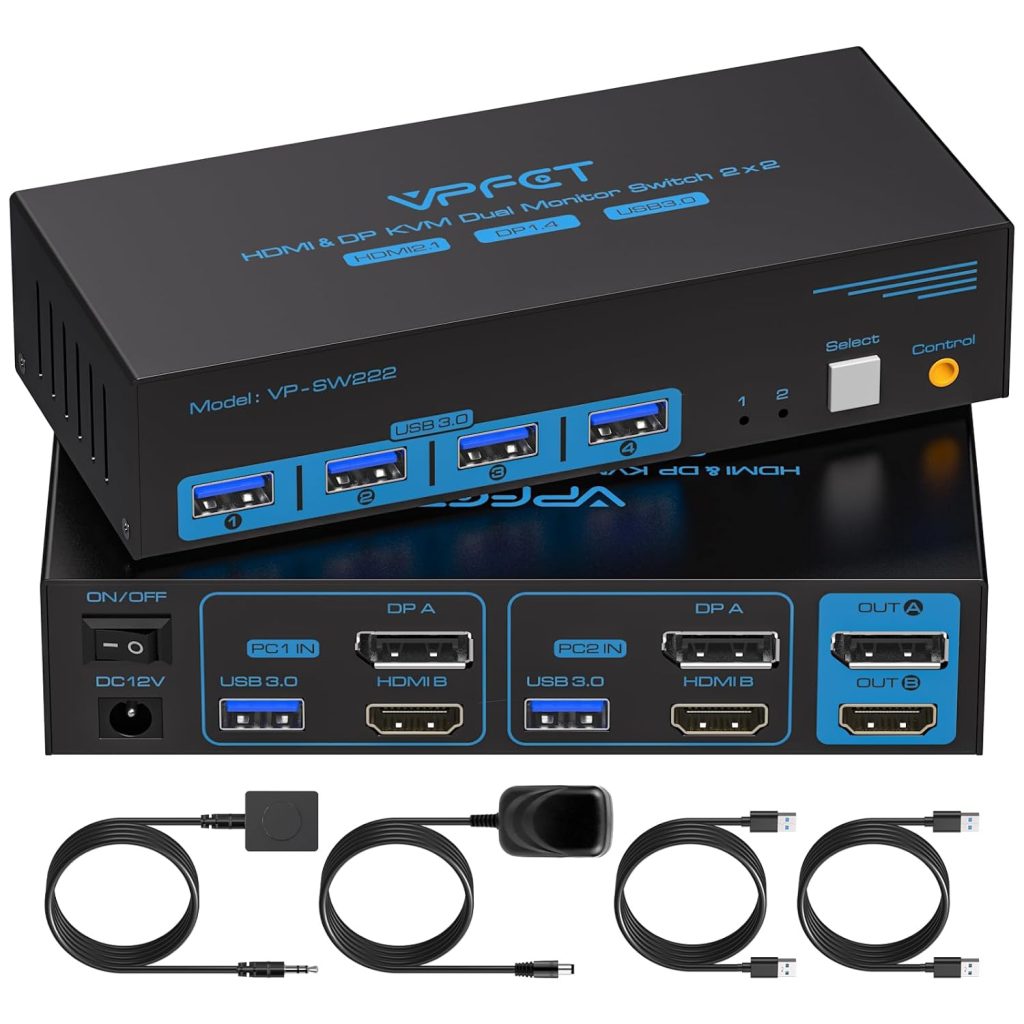
Why a 4K 120Hz Dual Monitor KVM Switch Is a Smart Investment
Efficiency, performance, and ease of use are more important than ever in today’s digital workplace. People who work, play games, make content, or do a lot of things at once often use more than one computer and more than one screen at the same time. It can be hard to keep track of separate keyboards, mice, and cables for each system. A 4K@120Hz / 8K@60Hz Dual Monitor KVM Switch is an important tool to have at this point.
This advanced KVM (Keyboard, Video, Mouse) switch lets two computers use two monitors, one keyboard, and one mouse without any problems. It also keeps the video quality very high and the data transfer speed very fast.
What Makes This KVM Switch Unique?
This KVM switch is made for people who want both high performance and ease of use. It can do:
Two computers can use two monitors at the same time.
120Hz for 4K resolution and 60Hz for 8K resolution
Compatible with HDMI and DisplayPort
USB 3.0 for sharing peripherals at high speeds
Switching between systems with one button or a controller
This model is different from basic KVM switches because it is made for modern work that needs smooth visuals, quick response times, and display quality that is up to professional standards.
- Great display quality is one of the main benefits of a dual monitor KVM switch.
Support for 4K at 120Hz and 8K at 60Hz makes sure that the picture is crystal clear and the motion is super smooth. This is very useful for gamers, video editors, graphic designers, and engineers who need high refresh rates and sharp resolution.
- Productivity with Two Monitors
Using two screens makes you much more productive. This KVM switch lets both computers use two displays without having to reconnect cables, which makes it easier and faster to do more than one thing at once.
- Two computers can use one keyboard and mouse.
It is easy to switch between two laptops or PCs. Users can switch between systems with just one button press or an external controller while still being able to use the keyboard and mouse.
- Less clutter on your desk
This KVM switch makes your workspace cleaner and more organized by not making you buy extra peripherals for each computer. A desk with fewer cables and devices looks more professional and is more comfortable.
- Sharing at USB 3.0 speeds
USB 3.0 ports let people share external hard drives, printers, webcams, and other USB devices between computers with fast data transfer speeds and little lag.
- Works with both HDMI and DisplayPort
This KVM switch is flexible and will work with HDMI and DisplayPort in the future. It works with many types of devices, such as desktops, laptops, gaming PCs, and workstations.
- Switching is easy and works every time.
The extended controller or hotkey switching option lets you change the system right away. This is great for people who often switch between work and personal computers.
What Makes This KVM Switch So Popular Among Professionals
Developers, designers, video editors, and financial analysts often use different systems for different jobs. They can work quickly with this KVM switch without having to keep reconnecting cables or changing input sources.
Great for gamers and streamers
High refresh rates and smooth switching between systems are very helpful for gamers who use one PC for gaming and another for streaming or recording.
Good for home office setups
A lot of people who work from home use both a personal computer and a work laptop. This KVM switch gets rid of the need for extra monitors and peripherals, which saves money and desk space.
Helpful in IT and Technical Settings
System administrators and IT professionals who work with more than one computer can easily control both systems from the same workstation.
As an Amazon Associate, I earn from qualifying purchases.